

Step by step
Register a domain
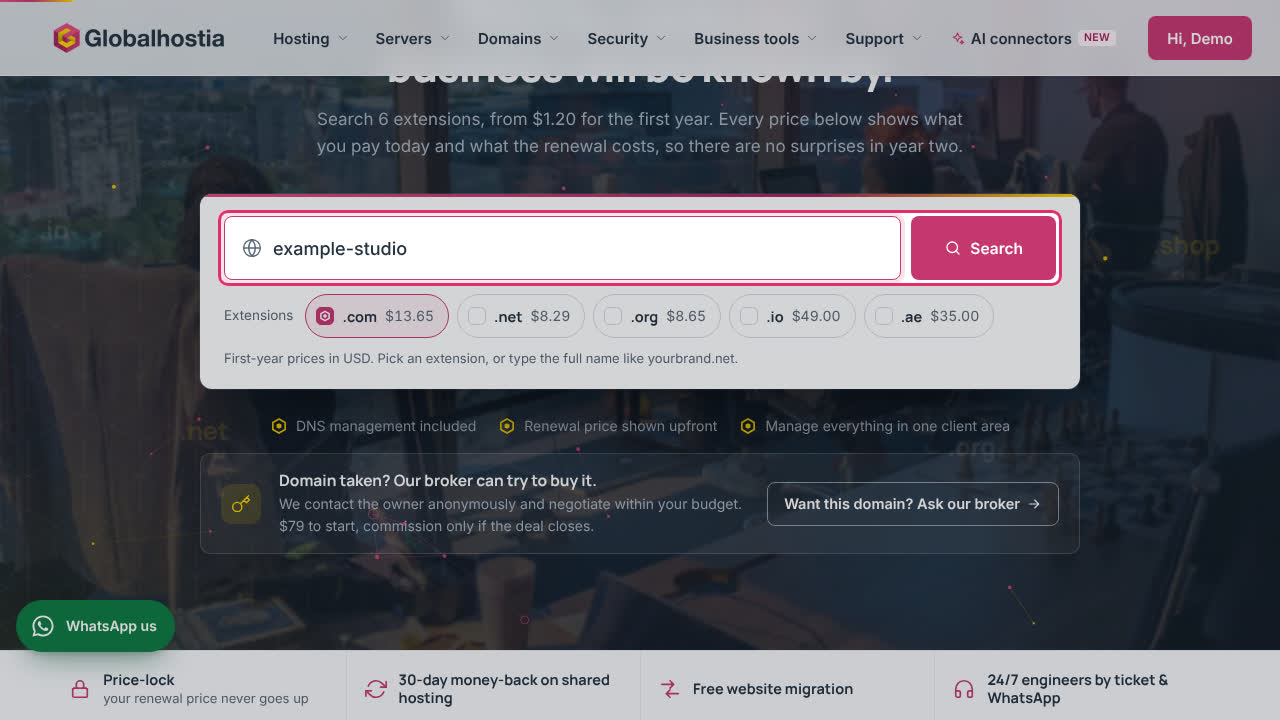
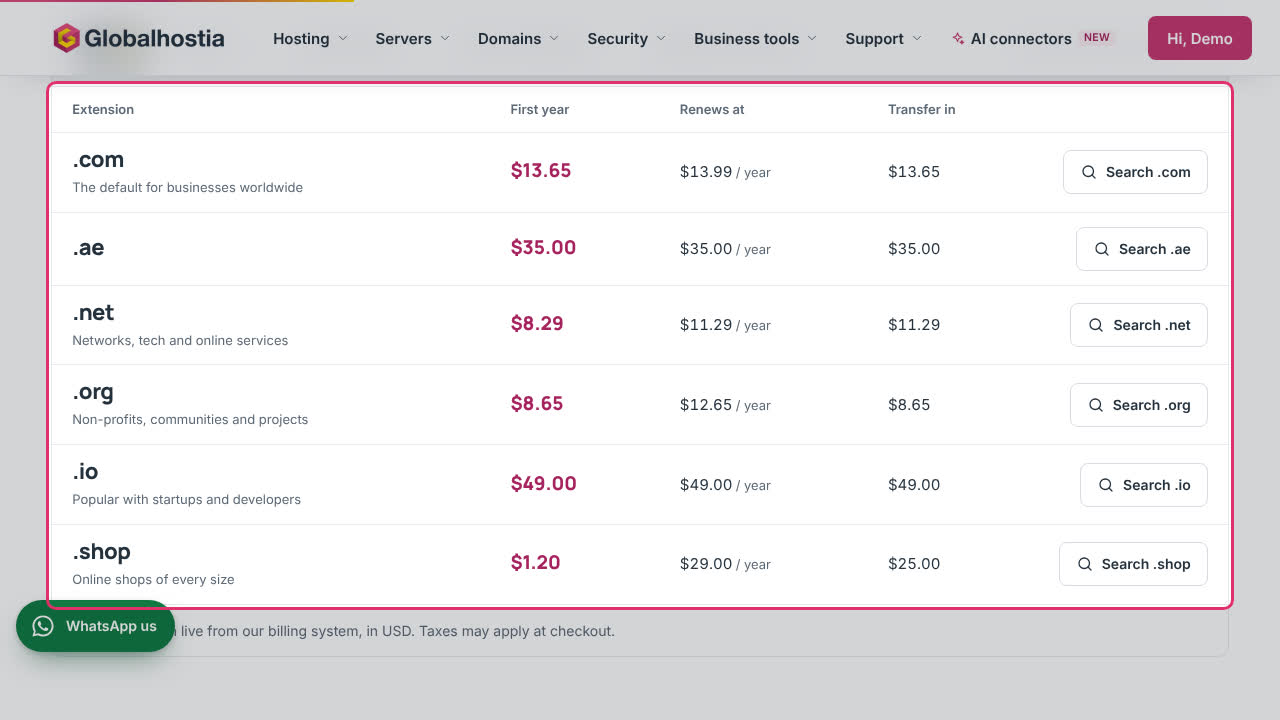
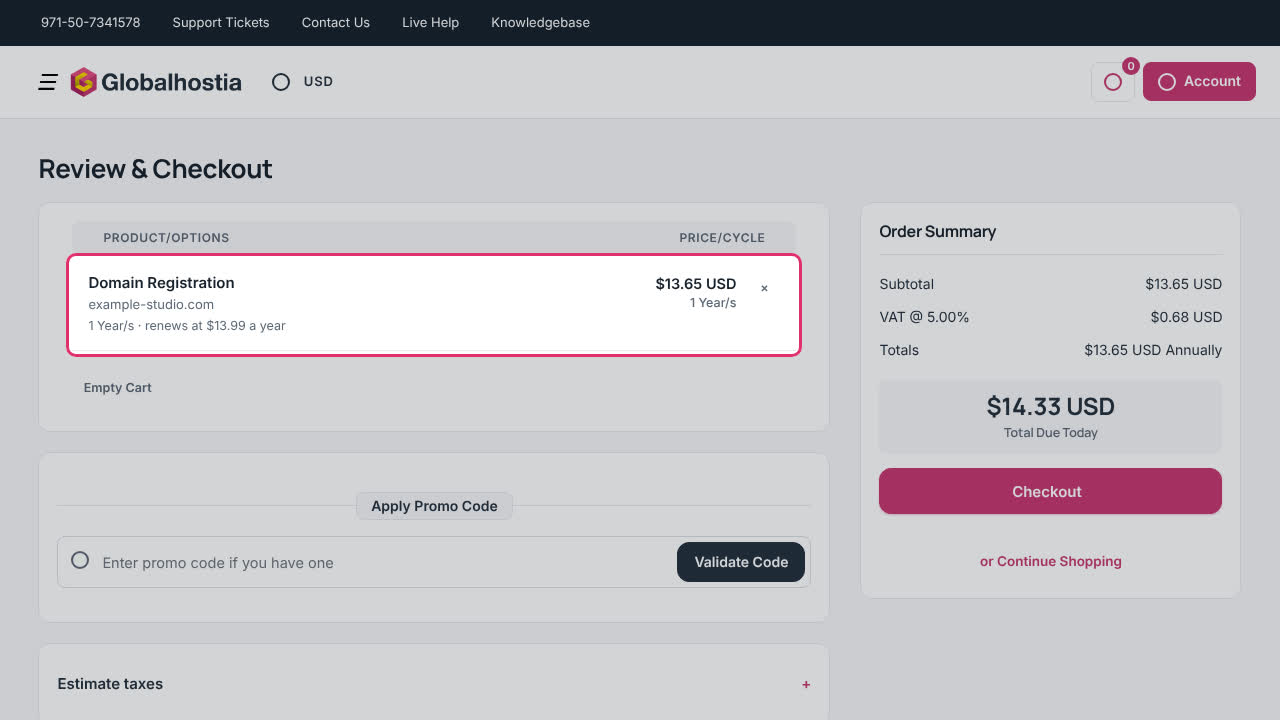
Search for a name, add it to your cart and check out. The renewal price is shown before you pay.
Still stuck?
Our engineers answer around the clock. Tell us what you see and which domain or service it is about.
More how-tos
-
 Step by step
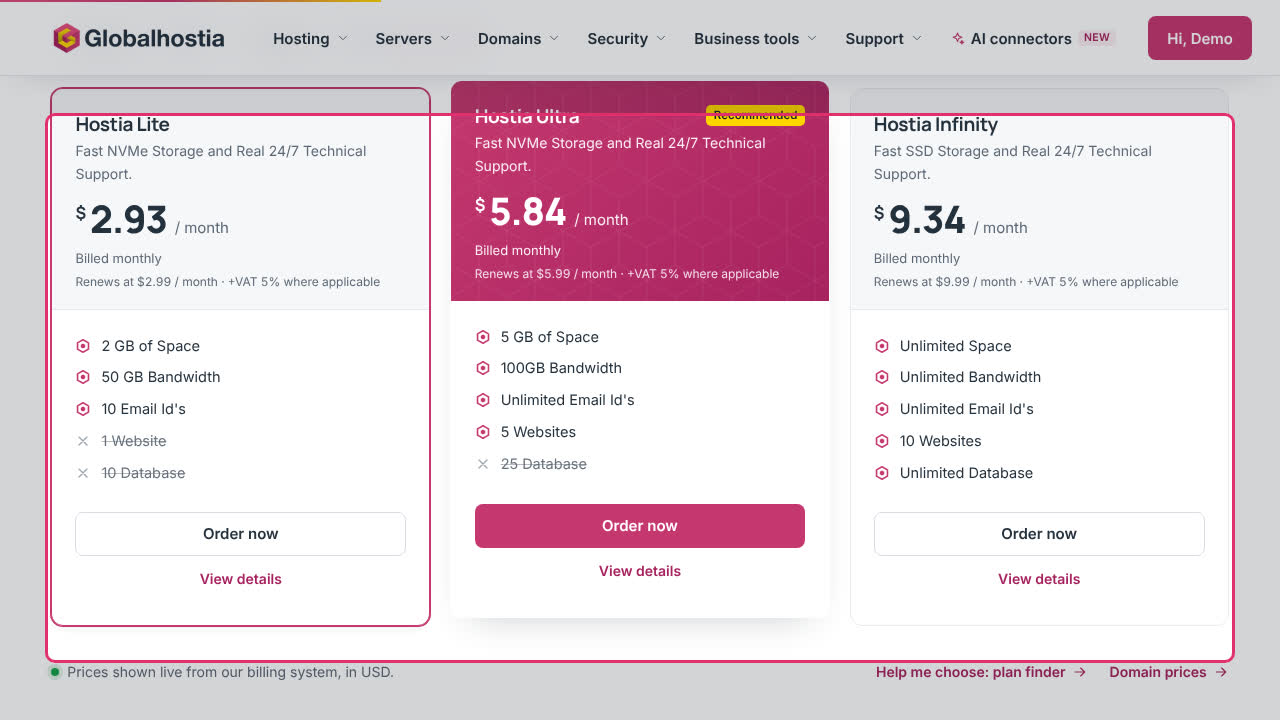
OrderingBuy a hosting planCompare plans, choose a billing period, attach a domain and check out.
-
 Step by step
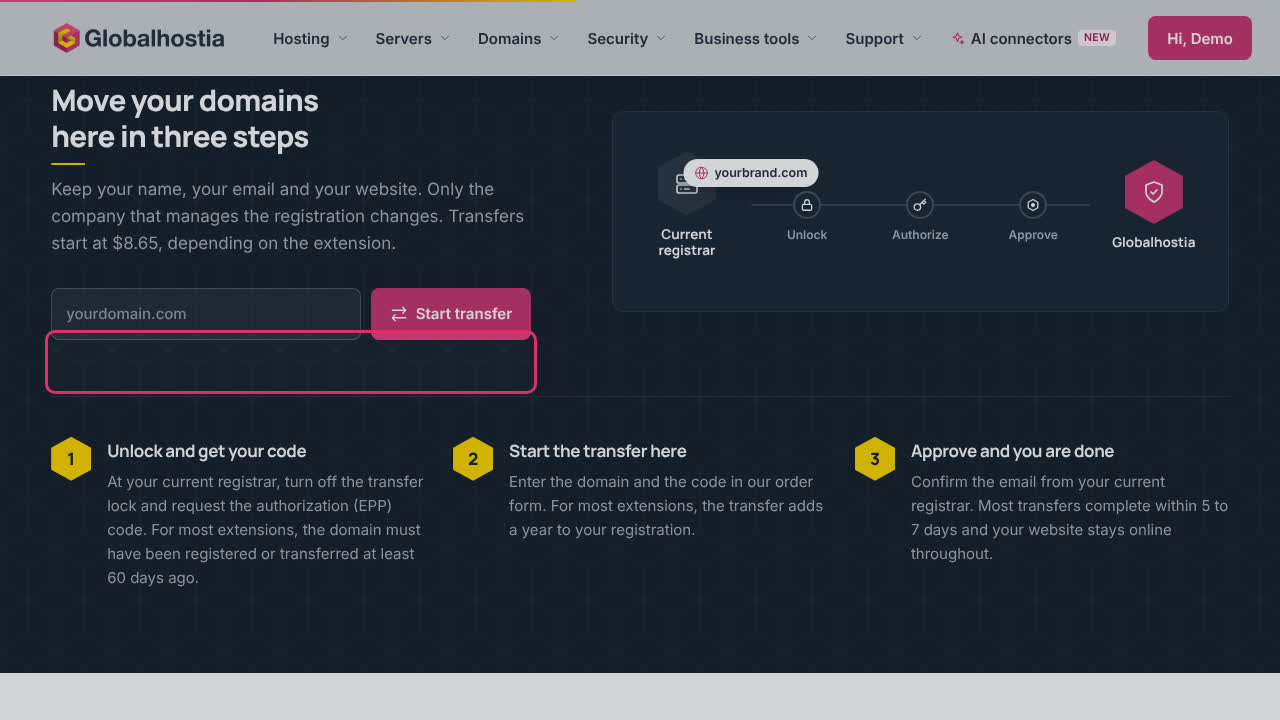
OrderingTransfer a domain to GlobalHostiaUnlock the domain at your current registrar, get the EPP code and start the transfer.
-
 0:33
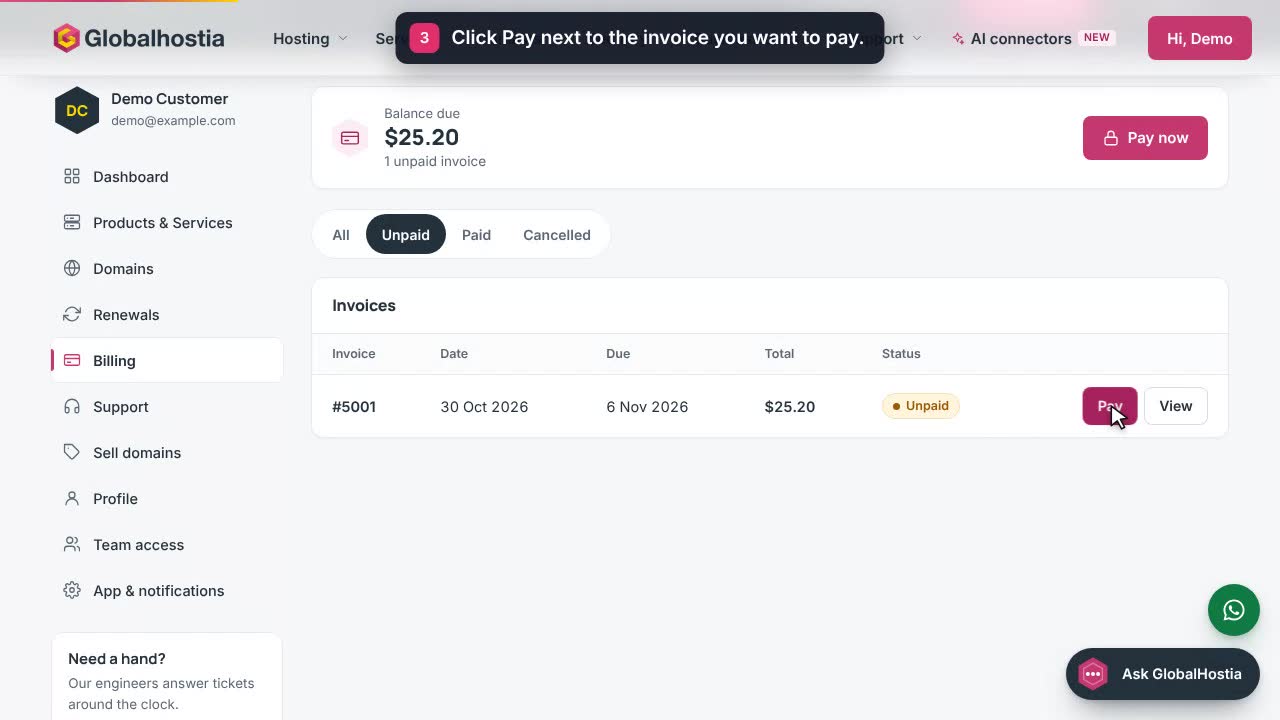
Billing & renewalsPay an invoiceFind an unpaid invoice in Billing and pay it on the secure invoice page.