

Step by step
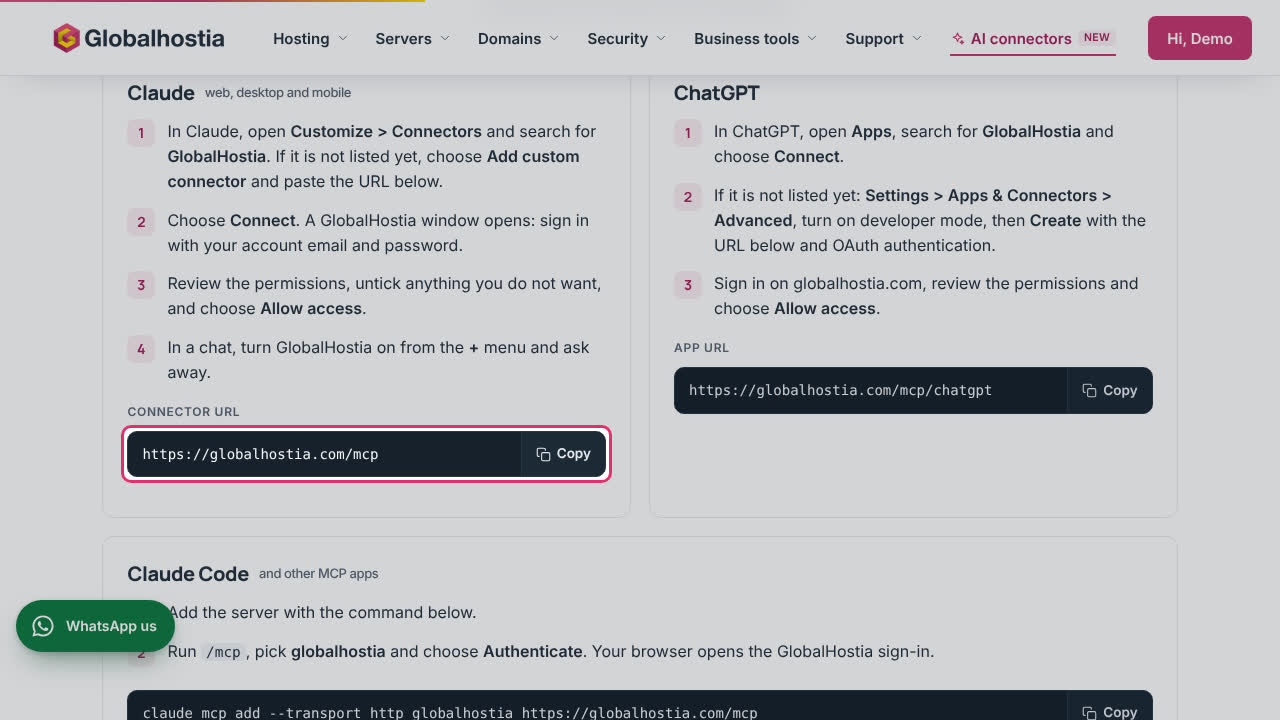
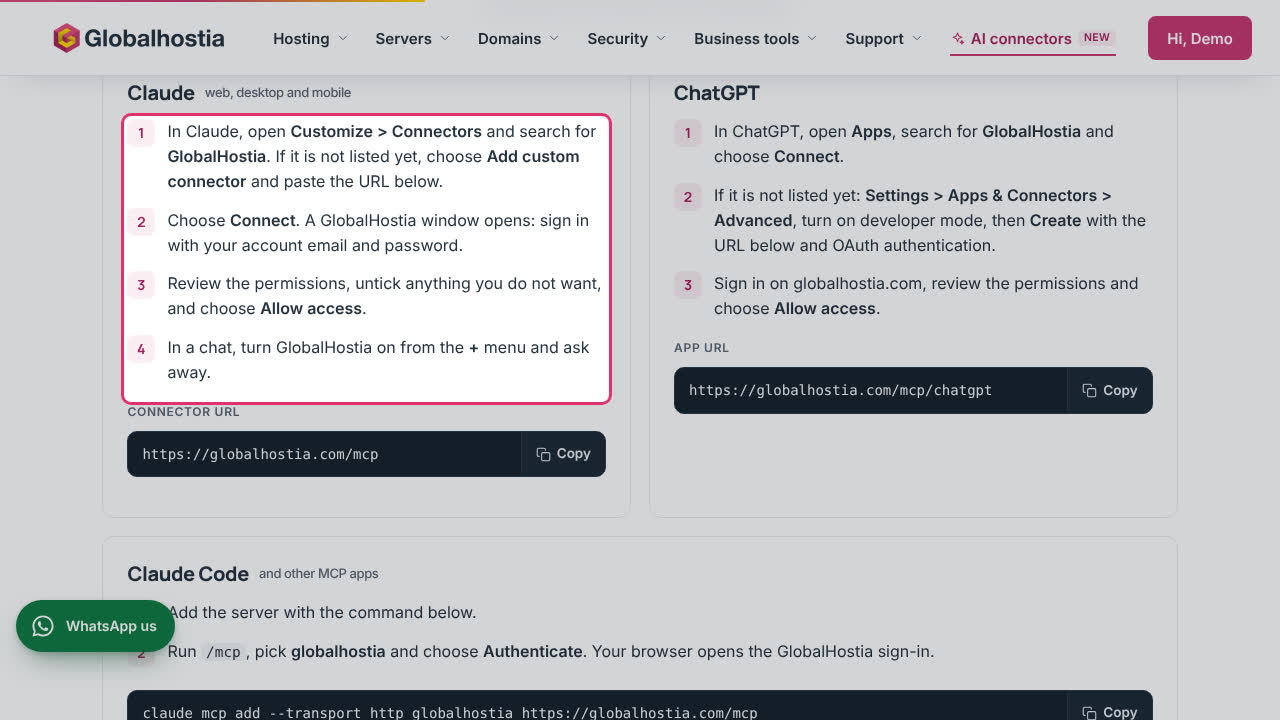
Manage your hosting from Claude or ChatGPT
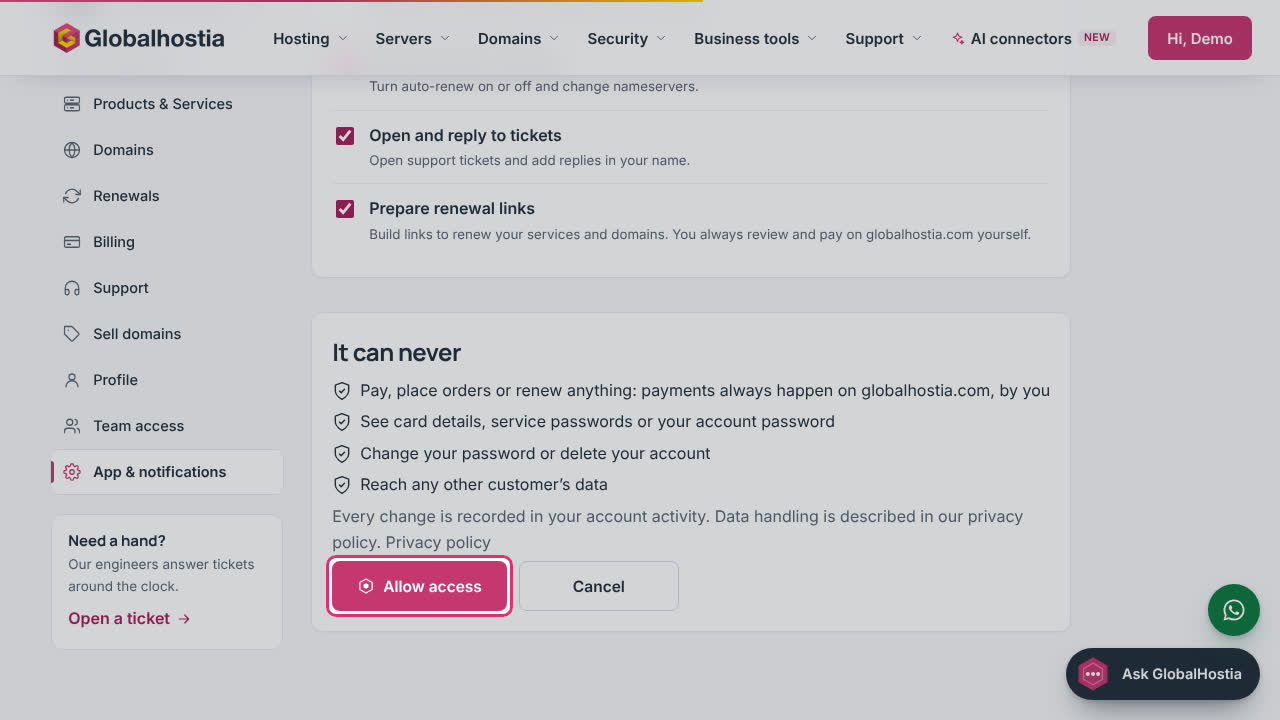
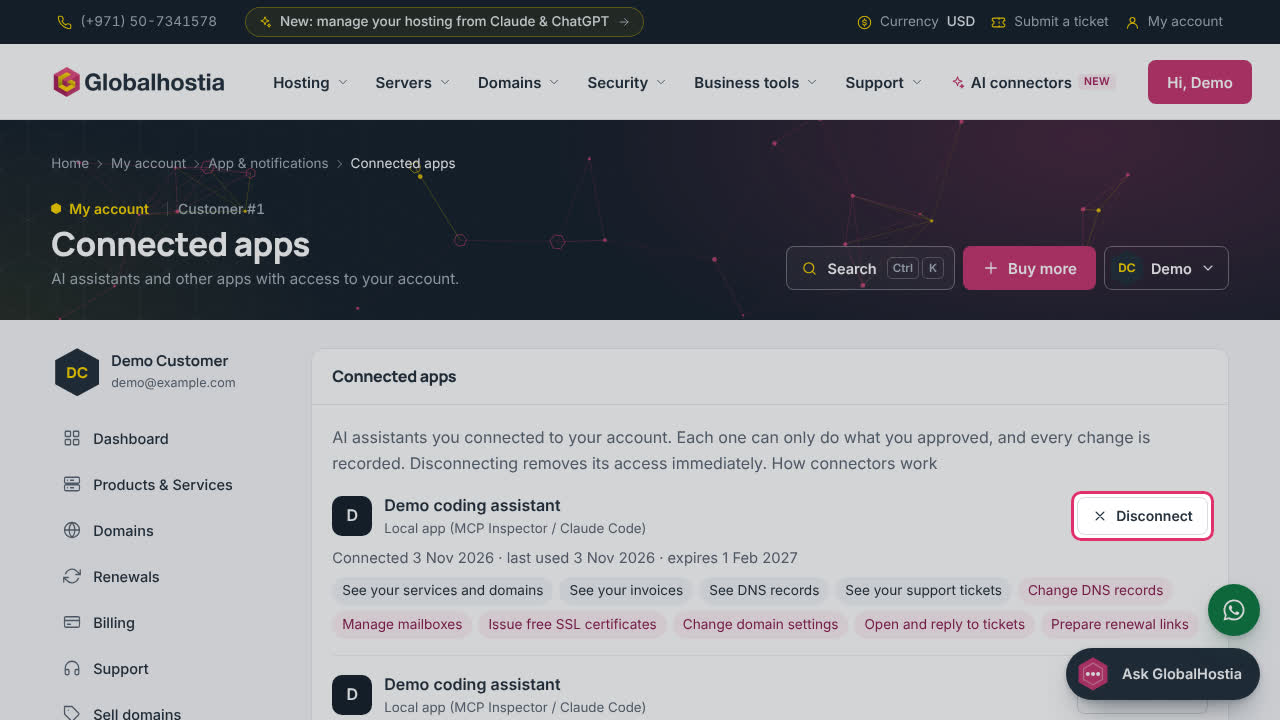
Add the GlobalHostia connector to your AI assistant, approve it once, and manage or disconnect it from your account.
Still stuck?
Our engineers answer around the clock. Tell us what you see and which domain or service it is about.
More how-tos
-
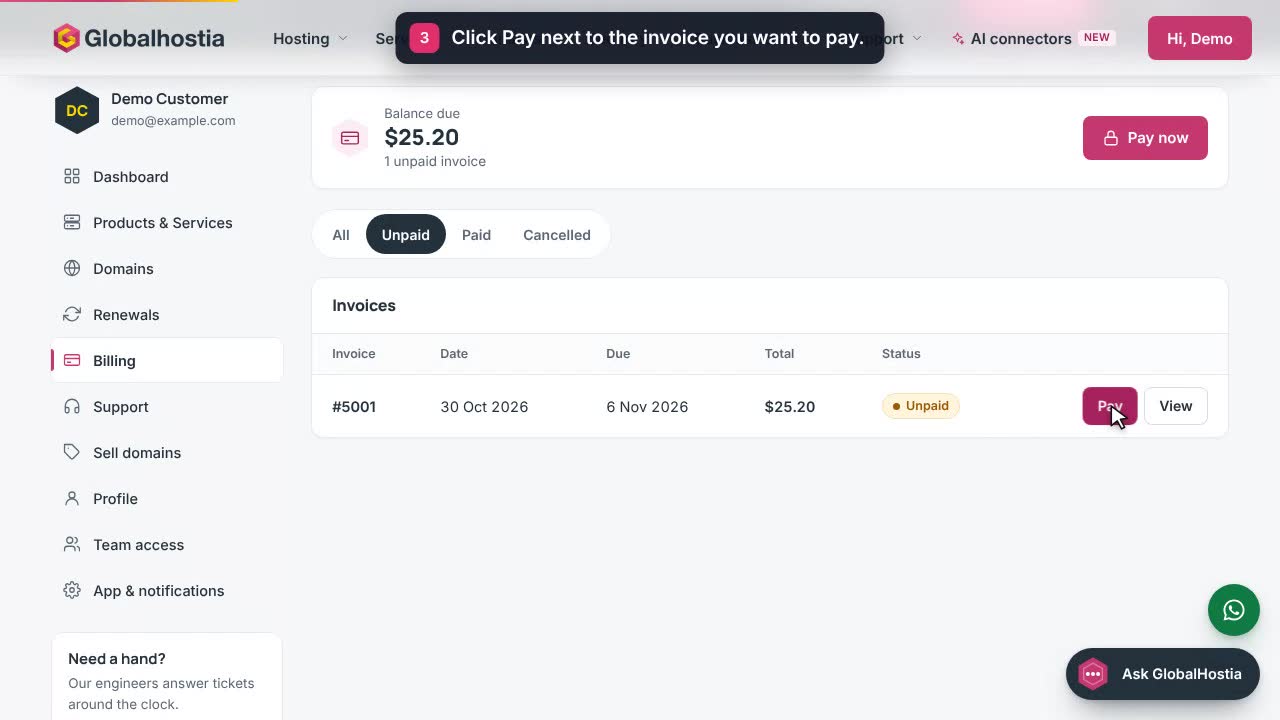 0:33
Billing & renewalsPay an invoiceFind an unpaid invoice in Billing and pay it on the secure invoice page.
-
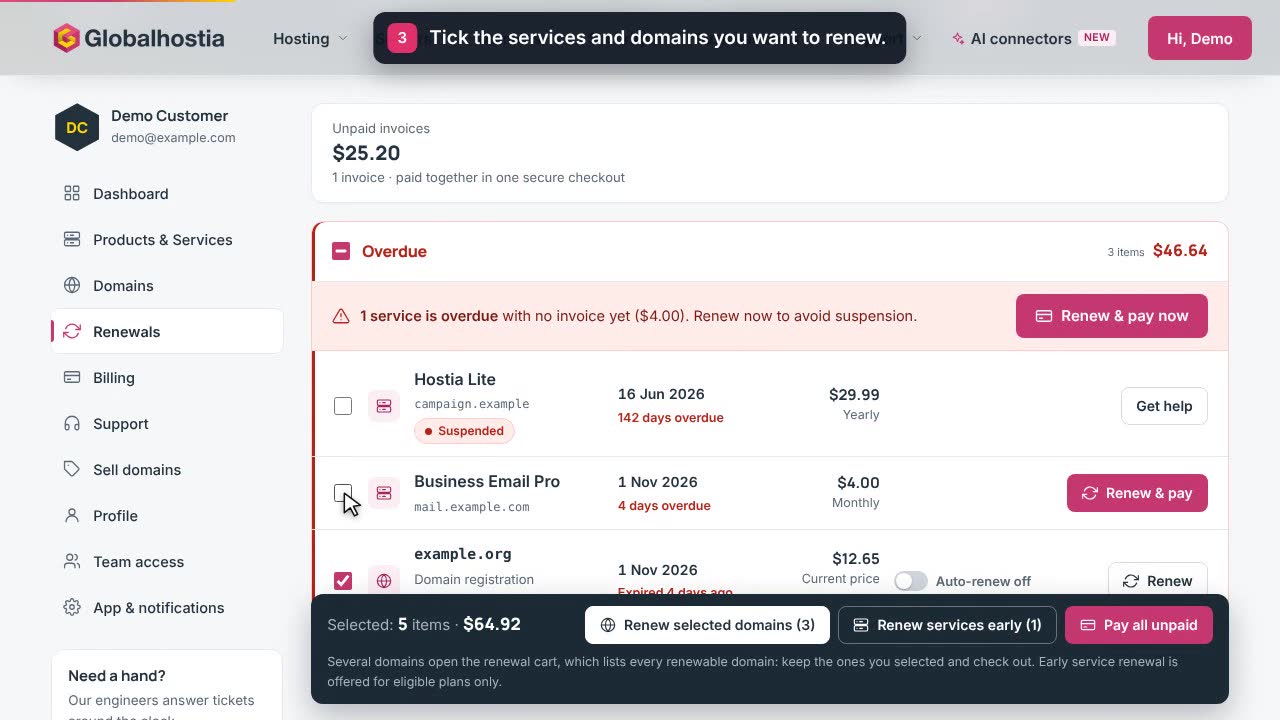 0:33
Billing & renewalsRenew services and domainsUse the Renewals centre to renew overdue and upcoming services and domains on one invoice.
-
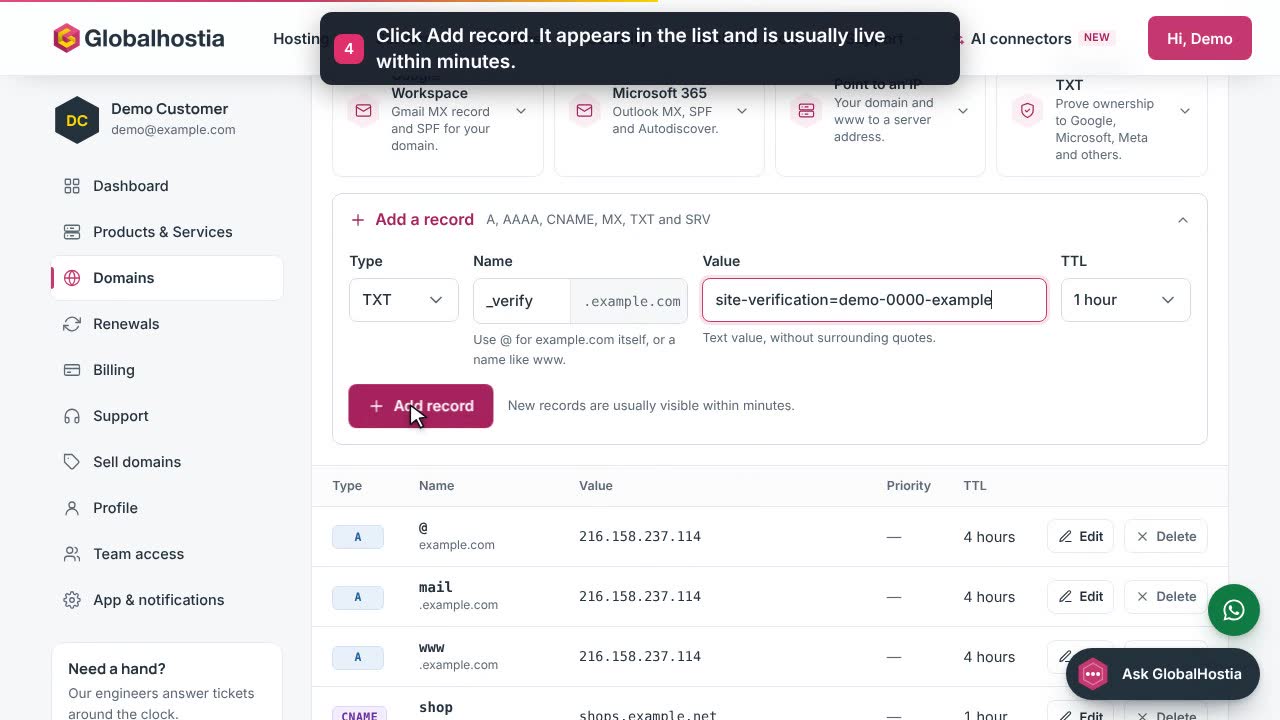 0:33
Domains & DNSAdd a DNS recordAdd an A, CNAME, MX, TXT or SRV record to a domain from your account.